Getting Started
This guide covers deployment, configuration, and first steps with Argus.
🐳 Quick Start with Docker Compose
The fastest way to get Argus running:
# Create docker-compose.yml
curl -o docker-compose.yml \
  https://raw.githubusercontent.com/fabell4/argus/main/docker-compose.yml

# Create .env file
curl -o .env \
  https://raw.githubusercontent.com/fabell4/argus/main/.env.example

# Edit NUT_HOST to point at your NUT daemon (see note below)
# Start containers
docker compose up -d

# Access the UI
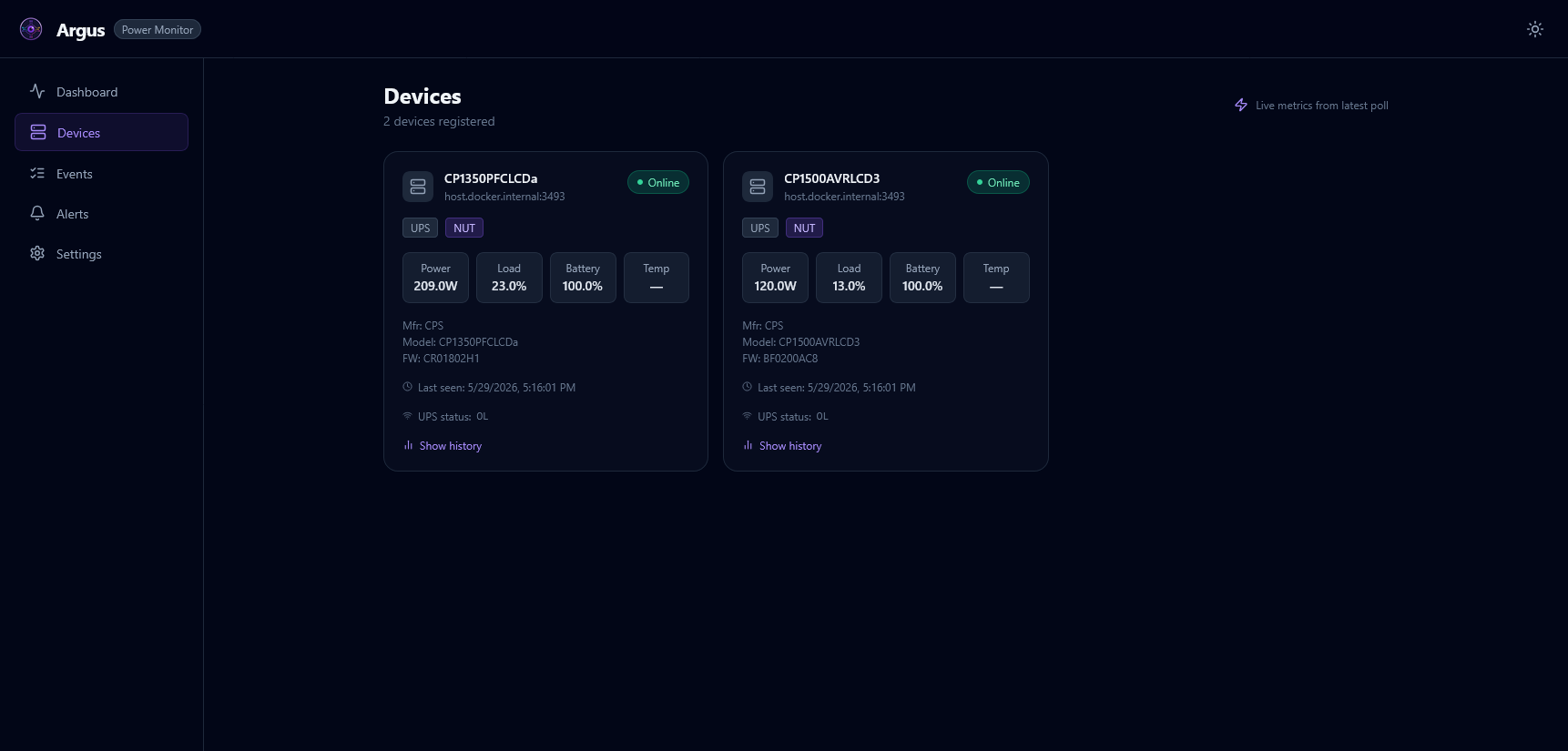
open http://localhost:8000
Docker networking note:
NUT_HOST=localhostrefers to the Argus container itself, not your host machine. Use your host’s LAN IP,host.docker.internal(macOS/Windows), or the Docker service name if NUT runs in the same compose stack.
🐳 Self-Hosting Guide
Argus runs as two containers from the same Docker image:
- argus-scheduler — Background worker that polls devices and dispatches telemetry
- argus-api — FastAPI REST API serving the React frontend
Minimal docker-compose.yml
services:
  argus-scheduler:
    image: registry.greenflametech.net/argus:latest
    container_name: argus-scheduler
    restart: unless-stopped
    command: python -m src.main
    volumes:
      - argus-data:/app/data
      - argus-logs:/app/logs
    extra_hosts:
      - "host.docker.internal:host-gateway"   # Linux: reach host NUT daemon
    environment:
      NUT_HOST: "host.docker.internal"         # adjust to your NUT address
      NUT_AUTO_DISCOVER: "true"
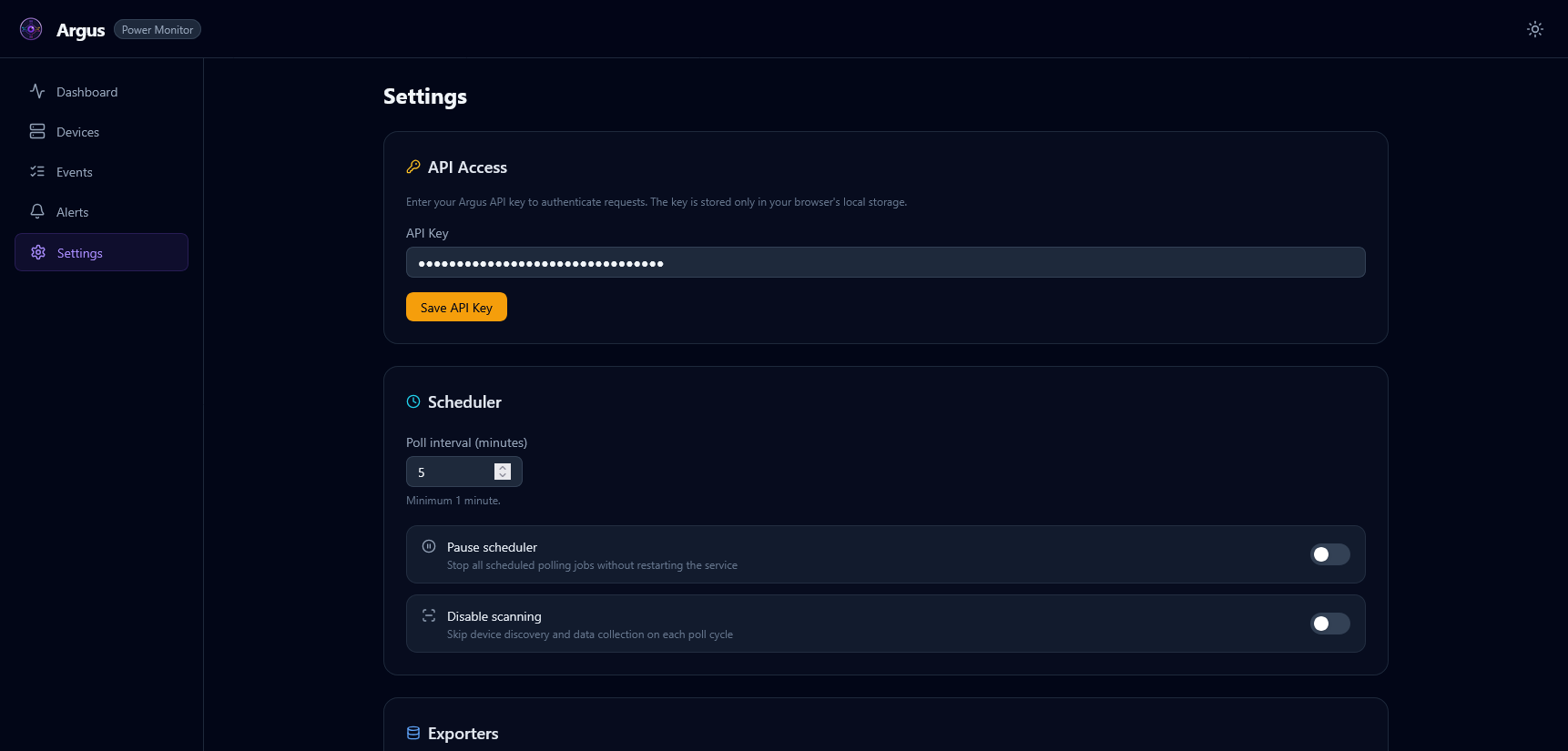
      POLL_INTERVAL_MINUTES: "5"
      ENABLED_EXPORTERS: "sqlite,prometheus"
      PROMETHEUS_PORT: "9090"
    env_file:
      - path: .env
        required: false

  argus-api:
    image: registry.greenflametech.net/argus:latest
    container_name: argus-api
    restart: unless-stopped
    command: uvicorn src.api.main:app --host 0.0.0.0 --port 8000
    ports:
      - "8000:8000"
    volumes:
      - argus-data:/app/data
    depends_on:
      - argus-scheduler
    env_file:
      - path: .env
        required: false

volumes:
  argus-data:
  argus-logs:
⚙️ Environment Variables
Copy .env.example to .env and adjust as needed.
Application
| Variable | Default | Description |
|---|---|---|
APP_ENV |
production |
Runtime environment (production / development) |
LOG_LEVEL |
INFO |
Log verbosity (DEBUG / INFO / WARNING / ERROR) |
TZ |
UTC |
IANA timezone (e.g. America/New_York) |
Polling
| Variable | Default | Description |
|---|---|---|
POLL_INTERVAL_MINUTES |
5 |
How often to poll all devices |
POLL_ON_STARTUP |
true |
Run an immediate poll when the scheduler starts |
🔌 NUT (Network UPS Tools)
| Variable | Default | Description |
|---|---|---|
NUT_HOST |
localhost |
Hostname or IP of the NUT daemon |
NUT_PORT |
3493 |
NUT TCP port |
NUT_USERNAME |
(empty) | NUT authentication username |
NUT_PASSWORD |
(empty) | NUT authentication password |
NUT_UPS_NAME |
ups |
UPS device name (ignored when NUT_AUTO_DISCOVER=true) |
NUT_AUTO_DISCOVER |
true |
Auto-discover all UPS units from the NUT daemon |
📡 SNMP
| Variable | Default | Description |
|---|---|---|
SNMP_COMMUNITY |
public |
SNMPv1/v2c community string |
SNMP_VERSION |
2c |
SNMP version (1 / 2c / 3) |
SNMP_TIMEOUT |
5 |
Per-request timeout in seconds |
SNMP_RETRIES |
2 |
Retry count per request |
SNMP_V3_USERNAME |
(empty) | SNMPv3 username (leave blank for v1/v2c) |
SNMP_V3_AUTH_PROTOCOL |
MD5 |
SNMPv3 auth protocol (MD5 / SHA) |
SNMP_V3_AUTH_KEY |
(empty) | SNMPv3 authentication key |
SNMP_V3_PRIV_PROTOCOL |
DES |
SNMPv3 privacy protocol (DES / AES) |
SNMP_V3_PRIV_KEY |
(empty) | SNMPv3 privacy key |
📤 Exporters
| Variable | Default | Description |
|---|---|---|
ENABLED_EXPORTERS |
sqlite |
Comma-separated list: sqlite, prometheus, influxdb, loki, csv, energy |
SQLITE_PATH |
data/argus.db |
SQLite database path |
SQLITE_RETENTION_DAYS |
90 |
Delete snapshots older than this many days |
SQLITE_MAX_ROWS |
100000 |
Hard cap on snapshot rows |
PROMETHEUS_PORT |
9090 |
Prometheus metrics port (scheduler container) |
PROMETHEUS_DISABLE_LABELS |
false |
Reduce cardinality by omitting device labels |
INFLUXDB_URL |
(empty) | InfluxDB v2 URL (e.g. http://influxdb:8086) |
INFLUXDB_TOKEN |
(empty) | InfluxDB API token |
INFLUXDB_ORG |
(empty) | InfluxDB organisation |
INFLUXDB_BUCKET |
argus |
InfluxDB bucket name |
LOKI_URL |
(empty) | Loki push API URL (e.g. http://loki:3100) |
LOKI_JOB_LABEL |
argus_power |
Loki job label |
CSV_PATH |
data/argus.csv |
CSV output path |
CSV_MAX_SIZE_MB |
10 |
Roll CSV file when it exceeds this size |
CSV_RETENTION_DAYS |
30 |
Remove CSV rows older than this many days |
ENERGY_RATE_PER_KWH |
0 |
Cost per kWh for energy cost calculations (0 = disabled) |
⚡ Event Thresholds
| Variable | Default | Description |
|---|---|---|
DEVICE_OFFLINE_MISSED_POLLS |
3 |
Missed polls before a device_offline event fires |
SHUTDOWN_BATTERY_FLOOR_PCT |
5 |
Battery % that triggers shutdown_initiated |
THRESHOLD_LOAD_PERCENT |
90 |
Load % that triggers a threshold_crossed event |
THRESHOLD_TEMP_CELSIUS |
50 |
Temperature (°C) that triggers a threshold_crossed event |
API
| Variable | Default | Description |
|---|---|---|
API_HOST |
0.0.0.0 |
Bind address for the API server |
API_PORT |
8000 |
API server port |
API_KEY |
(empty) | Secret API key — minimum 32 characters; leave blank to disable auth |
ALLOWED_ORIGINS |
http://localhost:3000,http://localhost:5173 |
CORS allowed origins |
RATE_LIMIT_PER_MINUTE |
60 |
Max requests per 60-second window per API key |
🩺 Health Server
| Variable | Default | Description |
|---|---|---|
HEALTH_PORT |
9100 |
Scheduler health-check HTTP port |
🔔 Alerting
| Variable | Default | Description |
|---|---|---|
ALERT_FAILURE_THRESHOLD |
3 |
Consecutive failures before alerting |
ALERT_COOLDOWN_SECONDS |
3600 |
Minimum seconds between repeated alerts |
ALERT_ON_BATTERY |
true |
Alert when UPS switches to battery |
ALERT_ON_BATTERY_LOW |
true |
Alert on low battery condition |
ALERT_ON_DEVICE_OFFLINE |
true |
Alert when a device goes offline |
ALERT_RECOVERY_NOTIFICATIONS |
true |
Send recovery notifications when conditions clear |
WEBHOOK_URL |
(empty) | Generic webhook URL (must be HTTPS) |
GOTIFY_URL |
(empty) | Gotify server URL |
GOTIFY_TOKEN |
(empty) | Gotify application token |
GOTIFY_PRIORITY |
0 |
Gotify message priority |
NTFY_URL |
(empty) | ntfy server URL |
NTFY_TOPIC |
(empty) | ntfy topic |
NTFY_TOKEN |
(empty) | ntfy authentication token |
NTFY_PRIORITY |
(empty) | ntfy message priority |
NTFY_TAGS |
(empty) | Comma-separated ntfy tags |
APPRISE_URL |
(empty) | Apprise API URL |
🔌 NUT Prerequisites
Argus connects to an existing NUT daemon — it does not ship NUT itself.
📦 Installing NUT
Debian/Ubuntu:
sudo apt install nut nut-client
Home Assistant OS: Install the Network UPS Tools add-on from the add-on store.
Docker (community image):
services:
  nut-upsd:
    image: instantlinux/nut-upsd:latest
    devices:
      - "/dev/bus/usb:/dev/bus/usb"
    environment:
      API_USER: monuser
      API_PASSWORD: secret
    ports:
      - "3493:3493"
✅ Verifying NUT Connectivity
# List all UPS units on the NUT daemon
upsc -l <nut-host>

# Query a specific UPS
upsc ups@<nut-host>
🛠️ Local Development
Backend
python -m venv .venv
.venv\Scripts\activate        # Windows
# source .venv/bin/activate   # Linux/macOS
pip install -r requirements-dev.txt

# Scheduler process
python -m src.main

# API process (separate terminal)
uvicorn src.api.main:app --reload --port 8000
Frontend
cd frontend
npm ci
npm run dev   # Vite dev server proxies /api/* to http://localhost:8000
🧪 Running Tests
Python
pytest --cov=src --cov-report=term-missing -q
Frontend
cd frontend
npm run test:coverage