Runbook
Operational guide for diagnosing and resolving production issues using logs and metrics.
Table of Contents
- Log Interpretation
- Metric Thresholds
- Alert Investigation
- Event Investigation
- SQLite Health
- Common Failure Scenarios
- Escalation
📋 Log Interpretation
Argus uses structured log lines at INFO, WARNING, and ERROR levels.
🔍 Key Log Patterns
| Pattern | Level | Meaning |
|---|---|---|
Poll complete: N devices, N snapshots |
INFO | Normal poll cycle finished |
NUT poll failed |
ERROR | Cannot reach NUT daemon |
SNMP poll failed |
ERROR | SNMP device unreachable or timeout |
Exporter 'X' failed |
WARNING | Exporter skipped this cycle |
Alert sent successfully via X |
INFO | Alert provider delivered |
Alert provider 'X' failed |
ERROR | Provider could not send alert |
Runtime config saved |
INFO | UI-driven config change persisted |
EventProcessor: on_battery |
INFO | UPS switched to battery |
EventProcessor: power_restored |
INFO | AC power returned |
EventProcessor: device_offline |
WARNING | Device missed consecutive polls |
EventProcessor: battery_low |
WARNING | UPS battery critically low |
EventProcessor: shutdown_initiated |
CRITICAL | Battery floor reached — shutdown event fired |
📊 Log Levels Summary
- INFO — Normal operational events; no action required.
- WARNING — Degraded operation (e.g., exporter skipped, device briefly offline). Monitor for recurrence.
- ERROR — Failed operation; investigate root cause. App continues running.
- CRITICAL — Severe condition (e.g., battery floor reached, startup failure). Immediate attention required.
📊 Metric Thresholds
Prometheus metrics are exposed on PROMETHEUS_PORT (default 9090). Suggested alert rules:
| Metric | Label | Warning | Critical |
|---|---|---|---|
argus_battery_percent |
device_id |
< 50 % | < 20 % |
argus_load_percent |
device_id |
> 70 % | > 90 % (THRESHOLD_LOAD_PERCENT) |
argus_runtime_seconds |
device_id |
< 600 s | < 120 s |
argus_power_watts |
device_id |
baseline ± 30 % | — |
argus_temperature_c |
device_id |
> 40 °C | > 50 °C (THRESHOLD_TEMP_CELSIUS) |
argus_device_online |
device_id |
— | = 0 (offline) |
Tip: Set
PROMETHEUS_DISABLE_LABELS=trueto reduce label cardinality when monitoring many devices in a high-cardinality environment.
🔍 Alert Investigation
When an alert fires:
-
Identify the event type from the alert payload (
event_typefield). -
Check recent logs for the triggering condition:
docker logs argus-scheduler --tail 100 | grep -i "event\|battery\|offline" -
Query the events API for the device’s event history:
curl "http://localhost:8000/api/events?device_id=ups-main&page_size=20" -
Check device status via NUT directly:
upsc ups@<nut-host> -
Trigger a manual poll to get fresh telemetry:
curl -X POST http://localhost:8000/api/trigger \ -H "X-Api-Key: <key>" -
Confirm alert provider config is enabled and URLs are correct:
curl http://localhost:8000/api/alerts
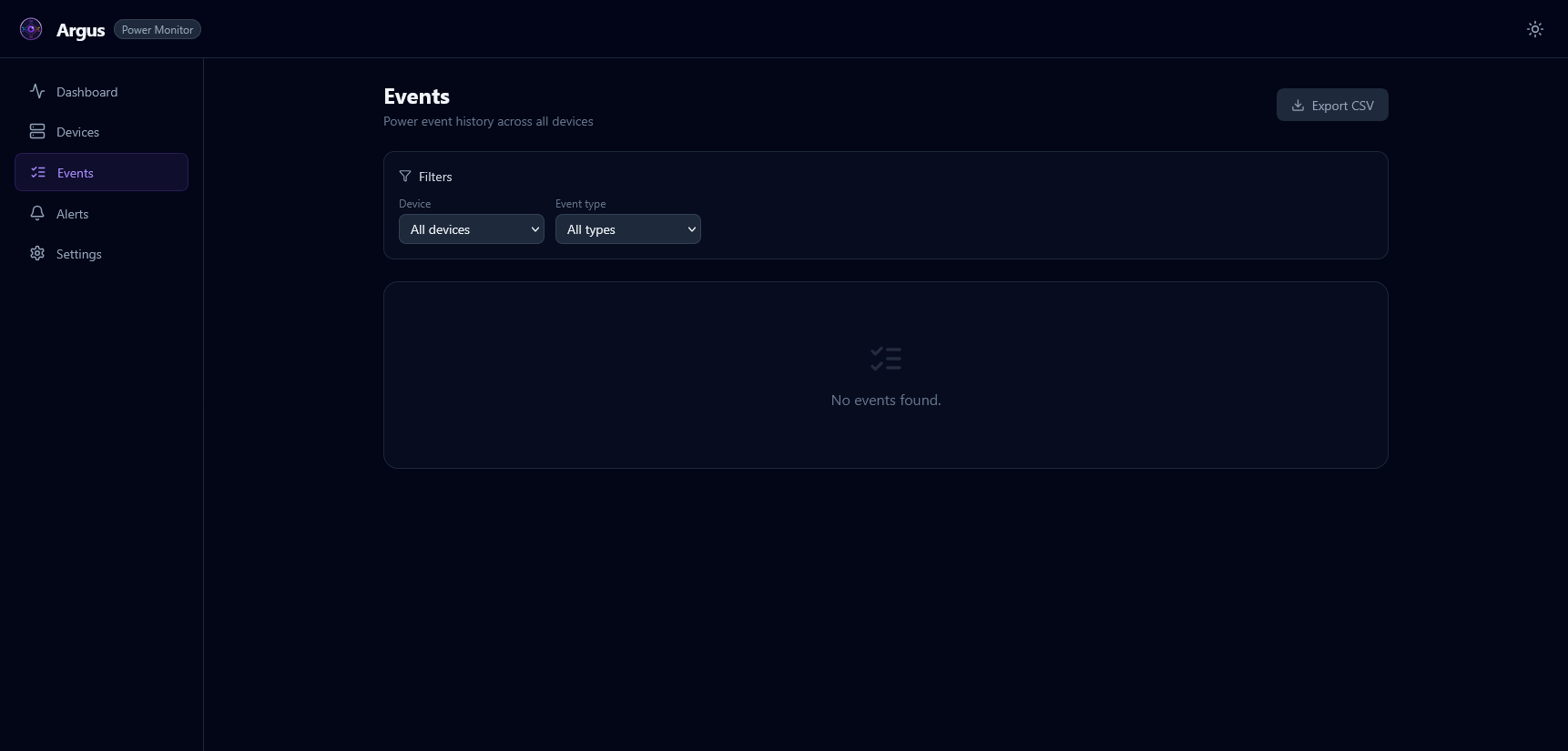
🔍 Event Investigation
on_battery
UPS switched from AC to battery power.
- Check AC power status at the UPS location.
- Verify
upsc ups@<host>showsups.status: OB. - Monitor
battery_percent— if dropping, prepare for potential shutdown. - Expected recovery:
power_restoredevent when AC returns.
battery_low
Battery charge is below the NUT battery.charge.low threshold.
- Verify load on the UPS — shed non-critical loads if possible.
- Runtime is likely < 5–10 minutes. Initiate graceful shutdowns.
- If
SHUTDOWN_BATTERY_FLOOR_PCTis reached, ashutdown_initiatedevent fires.
device_offline
Device missed DEVICE_OFFLINE_MISSED_POLLS consecutive polls.
- Check network connectivity to the device host.
- For NUT: verify
upsc -l <host>responds. - For SNMP:
snmpwalk -v2c -c public <host>to confirm reachability. - Check for NUT daemon restarts:
systemctl status nut-server. - If using Docker: check
host.docker.internalresolves correctly on Linux.
threshold_crossed
Load % or temperature exceeded the configured limit.
- For load: identify processes/devices consuming power — shed non-critical loads.
- For temperature: check cooling/airflow around the device.
- Review
THRESHOLD_LOAD_PERCENTandTHRESHOLD_TEMP_CELSIUSsettings.
💾 SQLite Health
Checking Database Size
du -sh data/argus.db
Checking Row Count
sqlite3 data/argus.db "SELECT COUNT(*) FROM power_snapshots;"
Manual Retention Cleanup
The SQLiteExporter runs retention automatically. To trigger manually:
sqlite3 data/argus.db \
  "DELETE FROM power_snapshots WHERE timestamp < datetime('now', '-90 days');"
sqlite3 data/argus.db "VACUUM;"
WAL Mode
Argus uses WAL (Write-Ahead Logging) for SQLite to allow concurrent reads during writes. WAL checkpoints happen automatically. If the WAL file grows unexpectedly large:
sqlite3 data/argus.db "PRAGMA wal_checkpoint(TRUNCATE);"
🚧 Common Failure Scenarios
NUT Connection Refused in Docker
Symptom: NUT poll failed: Connection refused when NUT_HOST=localhost
Cause: localhost inside the container refers to the container, not the host.
Fix:
# Linux
NUT_HOST=host.docker.internal
# (ensure extra_hosts: host.docker.internal:host-gateway in docker-compose.yml)

# macOS/Windows
NUT_HOST=host.docker.internal

# Preferred: use host LAN IP
NUT_HOST=192.168.1.10
Prometheus Metrics Not Appearing
Symptom: No data in Grafana / curl http://localhost:9090/metrics returns nothing
Checks:
- Confirm
prometheusis inENABLED_EXPORTERS. - Verify
PROMETHEUS_PORTmatches the Prometheus scrape target. - Check scheduler logs:
Exporter 'prometheus' initialized.
Snapshots Not Written to SQLite
Symptom: GET /api/snapshots returns an empty list or 503
Checks:
- Confirm
sqliteis inENABLED_EXPORTERS. - Verify the
argus-datavolume is mounted on both containers. - Check scheduler logs for
SQLiteExportererrors. - Check disk space:
df -h.
Alert Not Delivered
Symptom: Event fired but no notification received
Checks:
- Verify the provider is enabled in
GET /api/alerts. - Confirm the provider URL is HTTPS and reachable from the container.
- Check logs for
Alert provider 'X' failedand the error message. - Use the test endpoint:
POST /api/alerts/test. - Verify
ALERT_COOLDOWN_SECONDS— the cooldown may be suppressing repeated alerts.
Scheduler Container Exits Immediately
Symptom: argus-scheduler restarts in a loop
Checks:
- View exit logs:
docker logs argus-scheduler --tail 50. - Look for
CRITICALmessages — usually a badAPI_KEYlength or missing required config. - Fix the environment variable and restart.
🆘 Escalation
If the runbook steps do not resolve the issue:
- Collect full container logs:
docker logs argus-scheduler > scheduler.log 2>&1 - Export last-poll diagnostics:
curl http://localhost:8000/api/diagnostics - Open an issue at github.com/fabell4/argus with logs attached.